
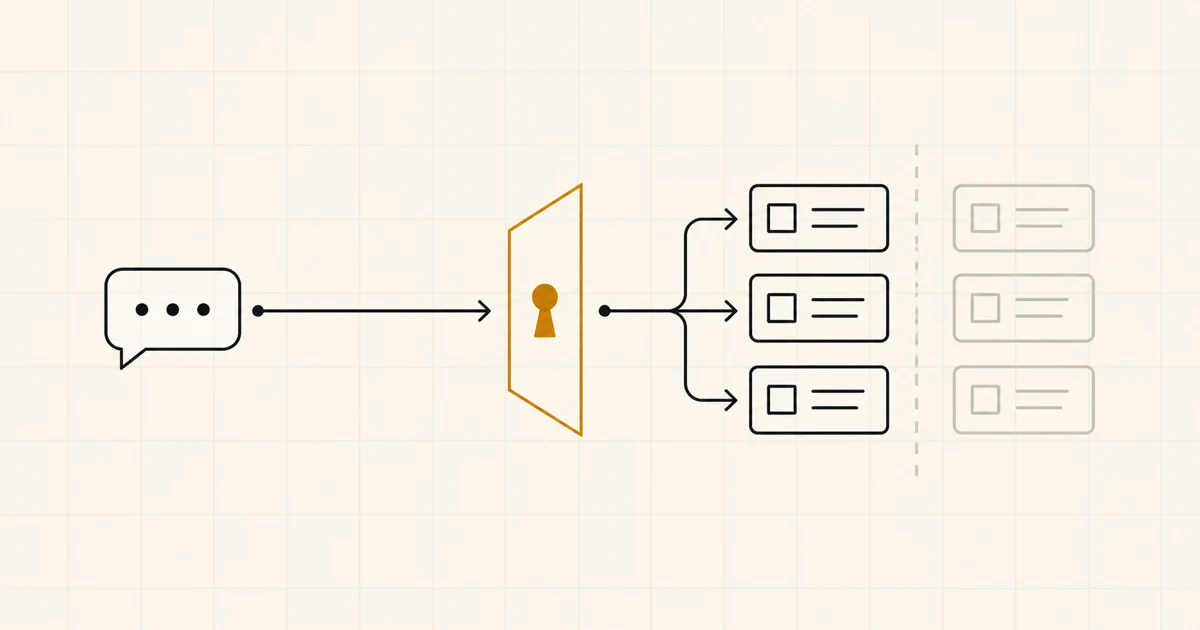
The first useful response from HubSpot’s remote MCP server isn’t a pipeline summary. It’s
get_user_details,
which reports who connected, which account they chose, and their per-object read and write access.
As of September 15, 2026, HubSpot offers a hosted route from an MCP-compatible AI client into its CRM
at https://mcp.hubspot.com, using OAuth with PKCE and a tool set that can read and change selected
records. If you’re evaluating it, we’d begin in a developer test account with one test user and
invented deals. We would call read tools only at first. That does not remove write tools from the
connection, so the user’s permissions and the client’s tool controls still matter.
Research note, checked September 15, 2026: this is a reading of HubSpot’s published capability and the current MCP specification, not a report of a Notus client deployment or a test in a client account. The trial below is our recommendation from those documented boundaries.
HubSpot has two MCP servers with different jobs
The names are close enough to send somebody down the wrong setup guide.
| HubSpot product | Where it runs | What it is for |
|---|---|---|
| Remote HubSpot MCP server | Hosted by HubSpot at mcp.hubspot.com |
Let an MCP-compatible AI client query or act on account data |
| HubSpot Developer MCP server | Locally through the HubSpot CLI | Help a developer create HubSpot apps and CMS assets in an IDE |
“Show our sales director deals without a next activity” belongs to the remote server, whereas “help our developer build a HubSpot app card” belongs to the local one. Installing the developer server won’t connect an assistant to production CRM records.
MCP gives the client a standard way to discover and call tools, while HubSpot supplies those tools and handles the API work behind them. We wouldn’t build a HubSpot wrapper before finding out whether the job is worth keeping. The harder part is deciding whose access the assistant should use and what it must never change.
The server can do more than retrieve contacts
HubSpot’s current tool list includes schema discovery, filtered search, lookup by record ID, cross-object CRM queries, and creation or updates for supported records and activities. It also reaches campaign reporting, conversations, email analytics and drafts, landing pages, and blog posts.
Read and write coverage isn’t symmetrical. Read tools cover contacts, companies, deals, tickets, leads, users, custom objects, several commerce records, activities, content, campaigns, conversations, and account details. The published write set is smaller: contacts, companies, deals, tickets, line items, products, activities, landing pages, blog posts, campaigns, and marketing email drafts.
This inventory will date quickly. HubSpot says available scopes can change when its MCP tools do, and a user may have to reinstall the app to grant a new scope. A production workflow needs to recheck the tool list and permissions after a server update.
There’s a quieter limit too. HubSpot says the remote server is based on its CRM search API, which currently has no vector search. Structured filters and text queries are available, but reliable semantic retrieval across years of loosely written notes isn’t a documented capability.
The person who connects defines much of the boundary
Setup starts in Development > MCP Auth Apps. Create an app there, then copy its client ID and client secret into a client whose redirect URL exactly matches the one saved in HubSpot. HubSpot requires OAuth with PKCE, provides a guided MCP Inspector flow, and tells long-running clients to refresh expired access tokens with the returned refresh token.
OAuth proves that the connection was authorized. It doesn’t tell us that the resulting access is narrow enough.
HubSpot says the server acts for the authenticated user and respects that user’s record permissions. An MCP auth app’s scopes aren’t defined explicitly by the developer. They come from the tools then available and the permissions granted during installation. This rules out a familiar safety move: you cannot configure a hand-picked scope list on the MCP auth app. Connecting as a super admin for convenience makes the trial needlessly dangerous and tells us little about the intended user’s experience.
We’d choose a user whose HubSpot access matches the proposed job, call get_user_details, and compare
its response with the permissions we expected. HubSpot documents that tool for checking the user,
account, and per-object read and write availability. If its answer surprises us, we stop there.
During installation, you should compare every granted permission with the job on paper; if you can’t explain why the job needs one of them, the trial isn’t ready.
The client creates another boundary because it decides which tools the model sees and when a person must approve a call. The current MCP tools specification says a person should be able to deny tool invocations. It also recommends showing tool inputs before the call, confirming sensitive operations, and logging use. We wouldn’t run a production write job through a client that cannot provide those controls.
Client secrets and OAuth tokens belong in the client’s secure credential store, never in a prompt, repository, screenshot, or shared config file. That is our rule. The MCP security guidance explains why broad tokens increase the blast radius and muddy the audit trail.
Make the first trial boring
HubSpot allows up to ten developer test accounts for apps and integrations without real CRM data, and those accounts cannot sync data from another account. We’d use one for the permission test. An Enterprise standard sandbox is useful when the production account’s configuration matters, but we’d first confirm that it contains no copied customer records before connecting the AI client.
The first session answers one question: can the connection see exactly what the test user should see?
We’d connect MCP Inspector over Streamable HTTP, as HubSpot’s instructions specify, complete OAuth,
and call get_user_details. Its object and tool availability becomes the baseline. Next come read
requests with known answers: fetch a permitted record by ID, filter for a known test deal, then ask
for a record outside the user’s access. An unexpected result ends the trial. That’s a permission
problem, not a prompt-writing exercise.
Writes can wait.
When the reads behave as expected, expose one reversible write against synthetic data, perhaps an update to a harmless property on a test deal. The client should display the complete tool input, wait for approval, and leave enough history to compare the request with the changed record (including the tool name, user, time, input, output, and record ID). A polished reply in the chat doesn’t help if a different deal moved.
Then make the test uncomfortable by using an ambiguous company name, omitting a required field, placing an instruction inside a CRM note, and asking for work outside the user’s role. We want the system to stop, ask, or refuse. That’s our test design, not a description of every MCP client.
If the read-only job proves useful in real work, production can still begin with the narrow user and manual confirmation, provided the chosen client can enforce it. We’d also give the connected app an owner, review its permissions, and write down how to remove it. HubSpot’s connected-app controls show the owner and record installs, uninstalls, and permission changes in the activity log.
Sometimes the correct permission is none
Don’t begin with MCP when nobody owns HubSpot permissions. The assistant will use a boundary the team can’t explain, while the first demo may look fine simply because it hasn’t touched the wrong record yet.
We’d also reject an unattended publishing, outreach, or CRM-update loop when the client can’t show the operation and wait for approval; a direct integration with one fixed input and one allowed action is easier to test. For a stable weekly export or a known report, an existing HubSpot report, workflow, or direct API call does less and leaves less to inspect.
HubSpot Sensitive Data needs its own check because HubSpot says activity objects and conversations are blocked through the remote MCP server when Sensitive Data is on. If those records are essential to the job (calls, emails, meetings, notes, tasks, or inbox threads), the server may lack the required context, and copying that data elsewhere to get around the boundary would create a new problem.
We’d stop as well if the job needs semantic search across years of notes, or if the AI client and model haven’t passed the company’s data review. HubSpot controls the CRM route. Storage, retention, training, region, and audit terms still come from the client and model vendors; the MCP connection doesn’t set them. Our workplace AI tool comparison shows the vendor checks we use before choosing a shared AI workspace.
The hosted server makes a connection quick to attempt, but we would put it into production only after one named user can complete one bounded job against the expected records, while every consequential action remains visible and deniable.
Our AI workflow evaluation guide shows how to preserve failures from the trial as repeatable cases. If the permission and data rules are still unwritten, settle them first with a lightweight SME AI policy.
Common questions
Before you decide.
What is the HubSpot MCP server?
HubSpot's remote MCP server is a hosted bridge between an MCP-compatible AI client and data or actions in a HubSpot account. It is separate from HubSpot's local developer MCP server, which helps developers build HubSpot apps and CMS assets.
Can an AI assistant update HubSpot through MCP?
Yes. As of September 15, 2026, HubSpot documents write tools for selected CRM records and activities, plus content, campaigns, and marketing email drafts. What a connection can change depends on the authenticated user's permissions, the permissions granted during installation, and the available server tools.
Does HubSpot MCP support Sensitive Data?
HubSpot says activity objects and conversation data are blocked through its MCP server when Sensitive Data is turned on for the account. Teams with regulated or sensitive workflows should verify every needed object and property before considering a production connection.
Do we need to build a custom MCP server for HubSpot?
Usually not for the capabilities already exposed by HubSpot's hosted server. A custom integration may still be warranted when the workflow needs deterministic logic, a smaller fixed action surface, unsupported APIs, or controls that the chosen MCP client cannot enforce.